The Built-in Guidebook
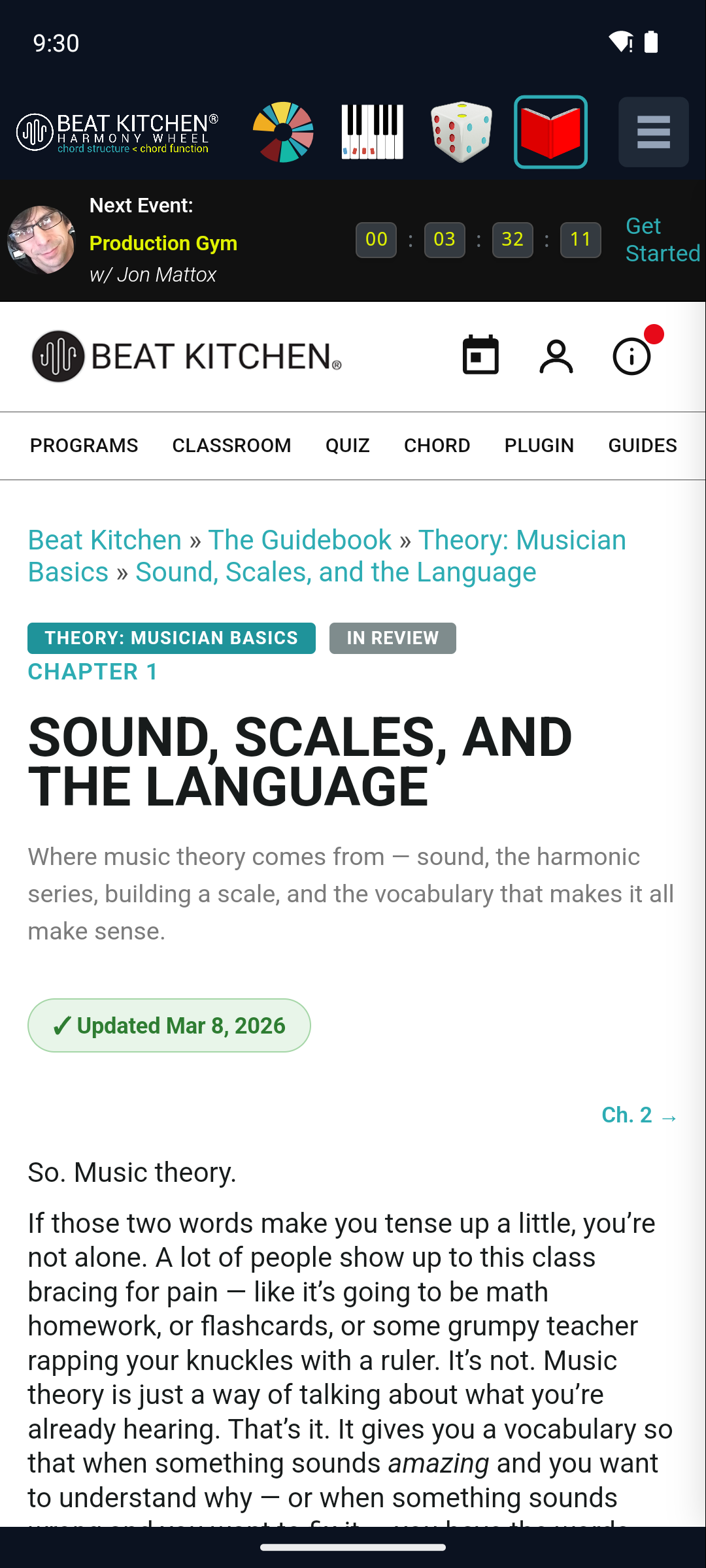
The fourth surface is a small library. The Harmony Wheel shows you that a chord is the V/vi or the ♭VII — and when you want to know what that means, the Guidebook is one tap away, built right in.
What’s in it
It’s the full Musician Basics guide — Beat Kitchen’s music-theory course companion, covering scales, chords, cadences, song form, ear training, and the harmony the wheel visualizes. It opens to Chapter 1, and chapters navigate inside the app, so you can read without leaving the tool.
The pairing is deliberate. Watch a chord light up as a secondary dominant on the wheel, then flip to the guidebook chapter that explains secondary dominants. The thing you see and the thing you read reinforce each other — which is the whole idea behind a “music-theory-aware” tool.
A note on loading
The guidebook loads from the web (beatkitchen.io/guides), so it needs a network connection to display. If it comes up blank, check your connection. (Everything else in the app — the wheel, the toolkit, the generator — works fully offline; only the guidebook reaches out.)
What to Practice
- Open the Guidebook and skim Chapter 1 to get the lay of the land.
- Next time the wheel shows you a function you’re unsure about — a borrowed chord, a secondary dominant — switch to the guidebook and find the chapter that covers it.
Search This Guide
This Course
- 1. What the Harmony Wheel Is
- 2. Reading a Chord — Wedges and Function
- 3. Harmonic Spaces
- 4. Finding the Key — Listen Mode and the Key Tracker
- 5. The Keyboard and Enharmonic Spelling
- 6. Mic, Speaker, Bonus Wedges, and the Legend
- 7. The Tetrachord Toolkit
- 8. The Random Chord Generator
- 9. The Built-in Guidebook
- 10. Options and Settings
When you're ready to take the next step, it starts with a place where you can ask questions. We teach live — small group, cameras optional, taught by someone who gives a shit.
Find Out How You Can Join Us →© 2026 Beat Kitchen School — beatkitchen.io. All rights reserved. Unauthorized reproduction or distribution of this material is prohibited.